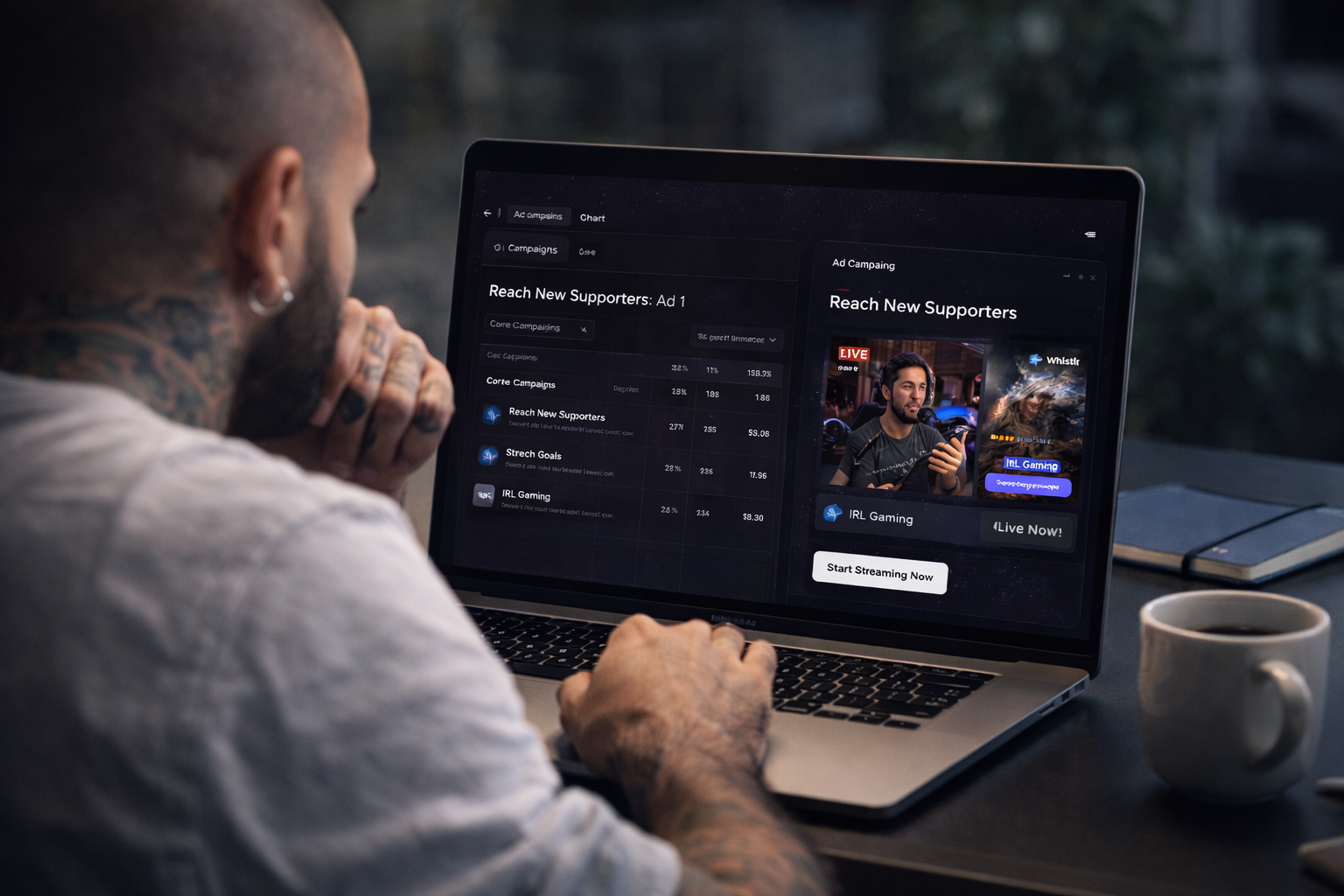
Whistlr for Business
Grow Faster.
Advertise Smarter.
Put your brand in front of millions. Launch high-converting campaigns in minutes — not weeks.
Whistlr Ads.
Powerful Advertising.
Reach your target audience with comprehensive advertising tools, multiple creative formats, and the same structured ETAPX learning flow.
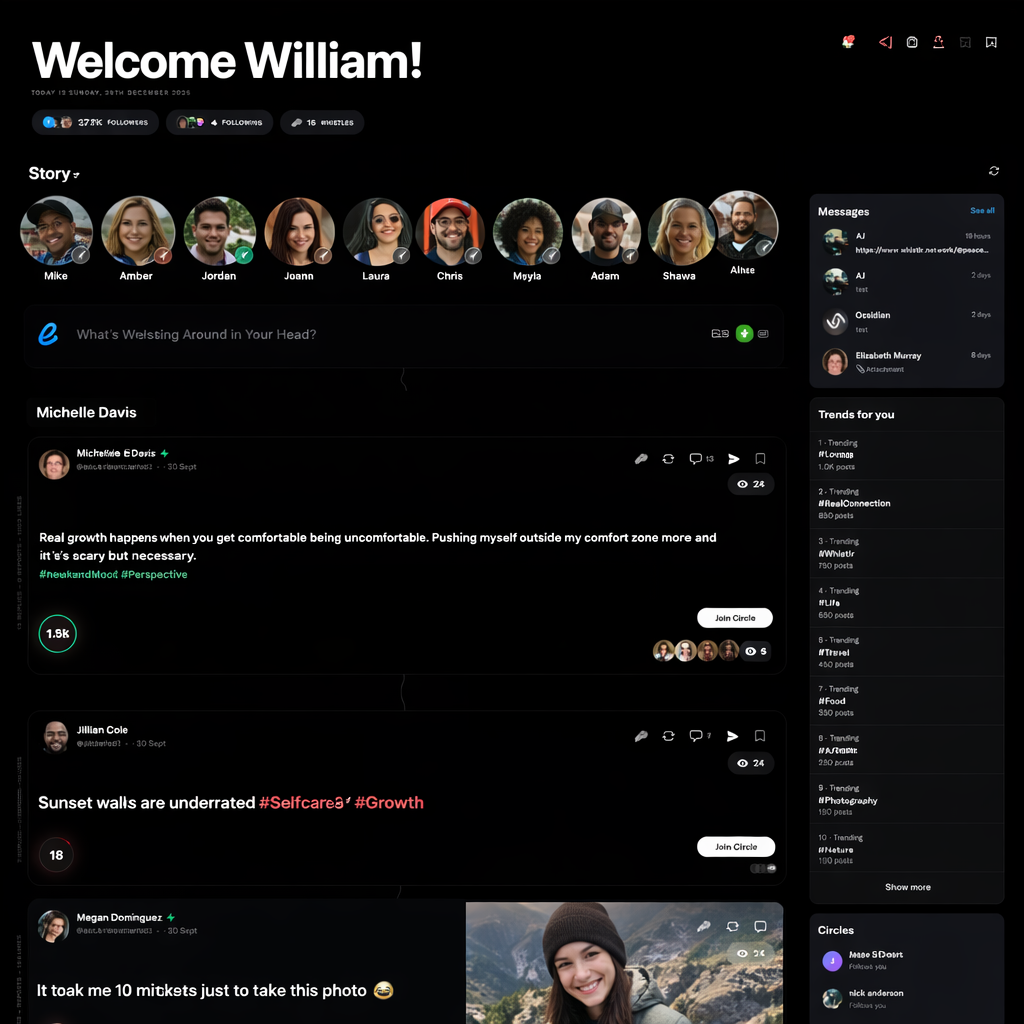
The Whistlr Feed
Ads that feel native to the content experience
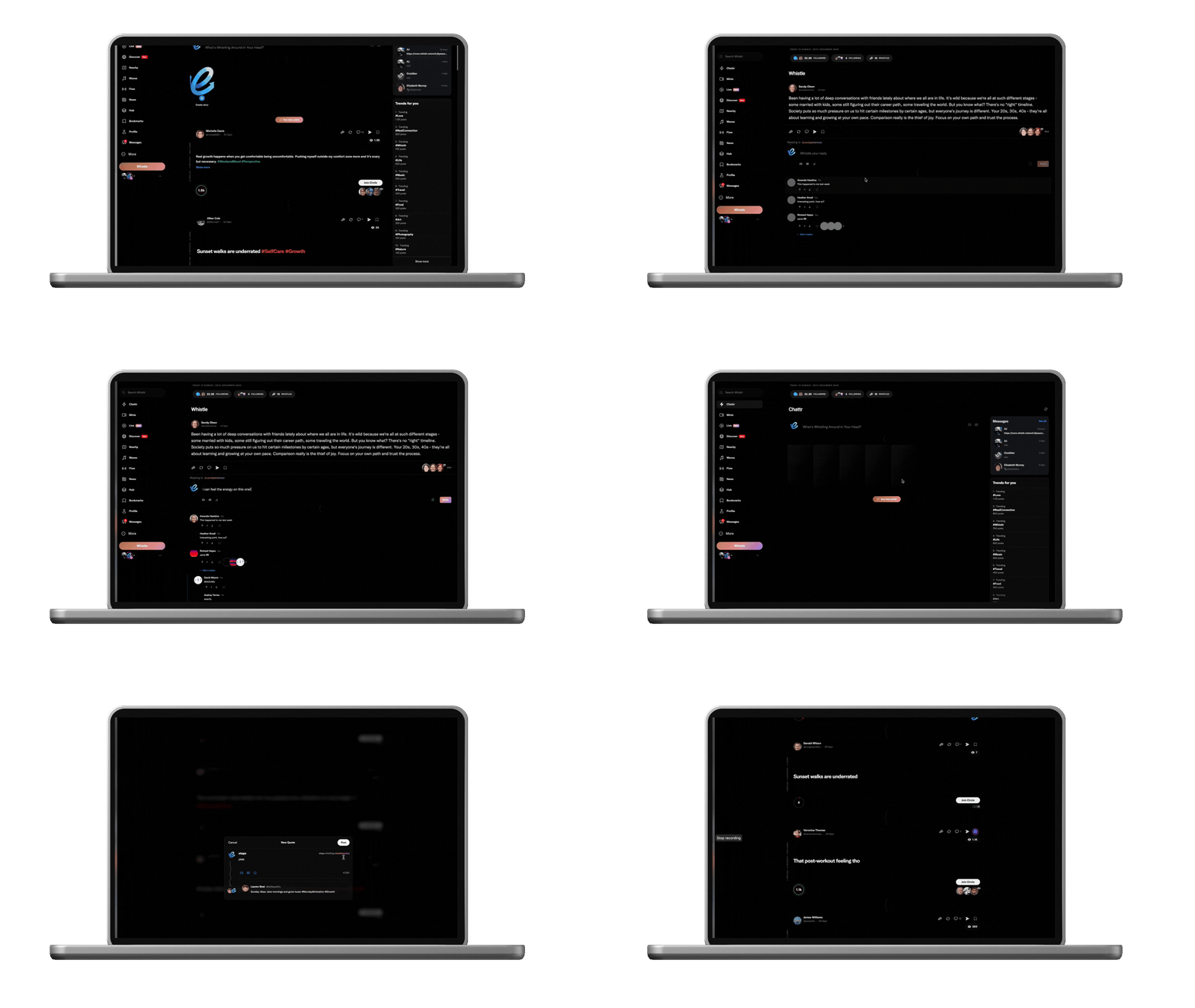
Whistlr Ads appear inside the same feed, surfaces, and formats your audience already scrolls through. That means higher engagement rates, less scroll-past behavior, and creative that earns attention because it fits, not because it interrupts.
Ads render natively inside Minis, Flow, Discover, and Chattr — no banner blindness.
Creative uses the same full-screen vertical canvas that organic posts use.
The swipe-through experience keeps viewers engaged instead of forcing a hard stop.
Minis
Chattr
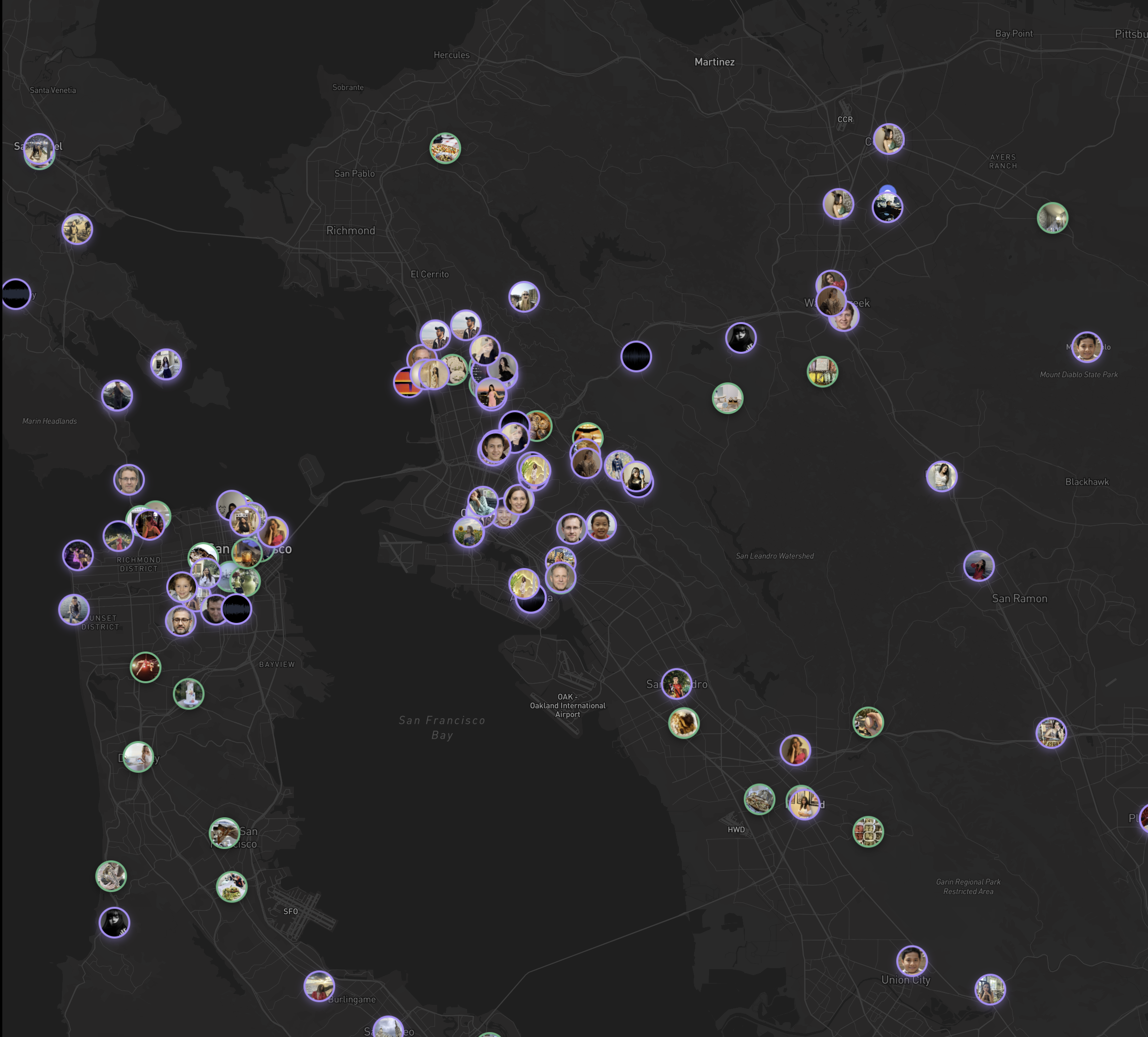
Discover
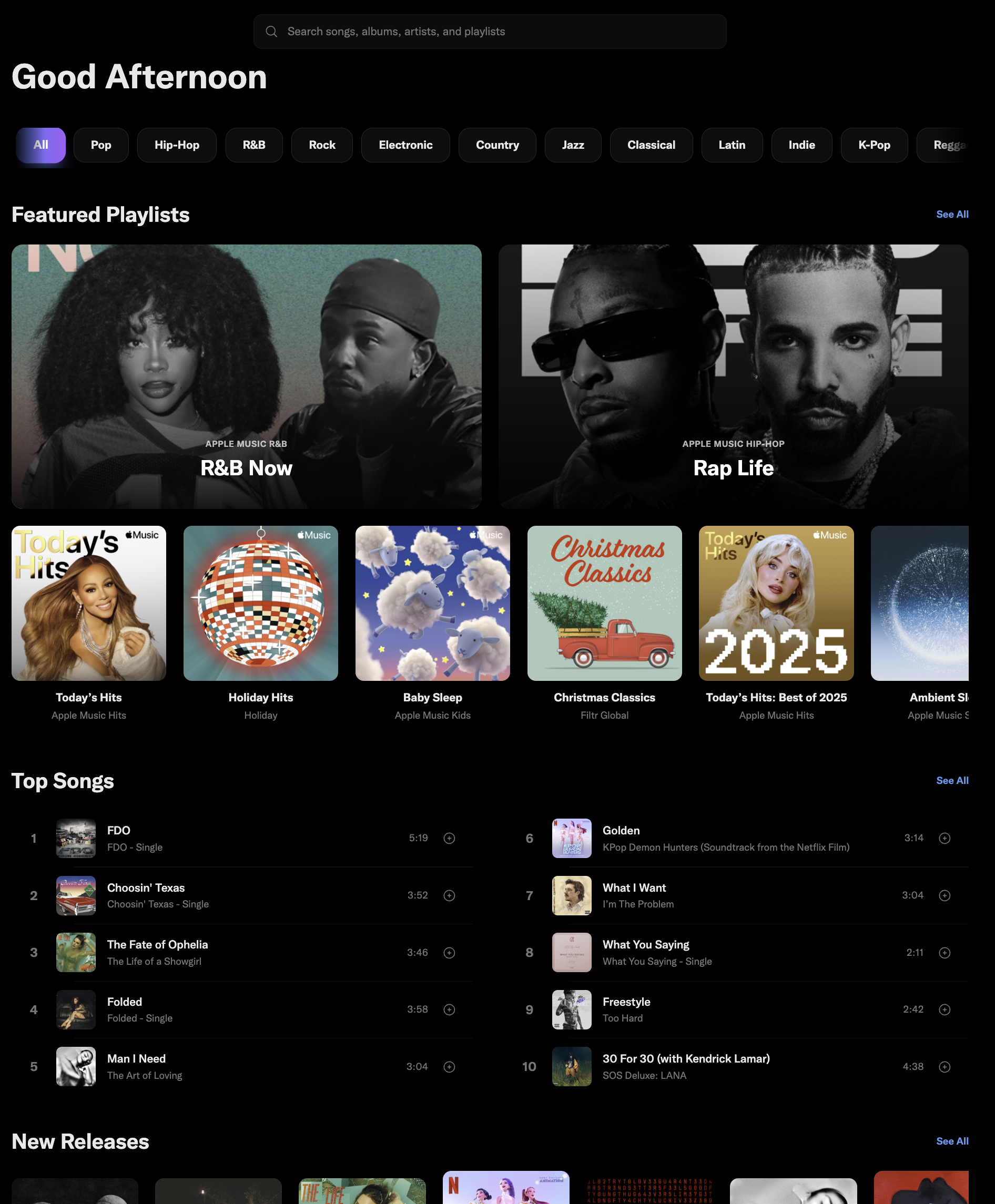
Waves


4.8K
213
Save
Luna Park
@luna.recaps
2025 so far — my favourite looks #whistlr
Liked by luna.recaps and 4.8K others

Ad Formats
Choose the format that matches your campaign goal and the behavior you want to trigger.
Image Ads
Single-image or multi-image ads built for product reveals, offers, and direct-response promotion.
Recommended sizes: 1200x628px, 1080x1080px, 1200x1200px
Video Ads
Run vertical, square, or horizontal video with captions, thumbnails, and autoplay-first delivery.
Formats: MP4 and MOV with long-form support.
Carousel Ads
Show multiple products or story steps in a single unit with card-by-card destination control.
2-10 cards per carousel.
Stories Ads
Full-screen vertical placements designed for immersive promotion and fast swipe-through engagement.
9:16 creative is the cleanest fit.
Campaign Objectives
Whistlr Ads mirrors the ETAPX objective model so the setup starts with intent, not just spend.
Awareness
Maximize reach, impressions, and top-of-funnel visibility.
- Brand awareness campaigns
- Reach optimization
- Maximum exposure
Traffic
Drive clicks to websites, apps, or specific landing pages.
- Website traffic
- App installs
- Landing page optimization
Engagement
Increase post interaction, video views, and audience response.
- Post engagement
- Video views
- Lead generation
Conversions
Focus delivery on purchases, sign-ups, submissions, and sales outcomes.
- Purchase campaigns
- Catalog sales
- Store traffic
Bidding Strategies
Control how aggressively campaigns compete and how tightly costs stay bounded.
Lowest Cost
Get the most results possible within budget using broad efficiency optimization.
Cost Cap
Stay near a target cost per result while preserving scale.
Bid Cap
Set the maximum you want to pay for an individual result.
Target Cost
Keep average costs more stable across the lifetime of the campaign.
Placements and Creative Tools
ETAPX highlighted that one ad system should support multiple placements and built-in creation tools in the same flow.
Placement Options
Distribute into feed, stories, messaging, live, and discovery environments without creating entirely separate campaigns.
Creative Tools
Use integrated image editing, video trimming, template systems, and reusable layouts directly inside the ad workflow.
A/B Testing
Compare creative, audience, and placement combinations while the system surfaces stronger performers.
First Campaign Guide
This is the setup flow from the advertising pages we hid in the header: verify the business, structure the objective, build signals, prepare creative, then launch into the connected business stack.
1. Verify your business account
Everything starts with Whistlr Business verification. Complete your business profile, connect Stripe Business onboarding, and unlock Whistlr Plus, Business Suite, and Whistlr Go from one verified setup.
Business Suite + verification
2. Choose the right objective in Whistlr Plus
Start with the outcome you need: storefront traffic, native lead capture, product promotion, live session support, or broader awareness. The campaign builder is structured around that first decision.
Campaign setup
3. Build audience signals and placements
Define who should see the campaign, where it should run, and how broad or focused delivery should be. Whistlr Plus supports saved audiences, retargeting, location-based targeting, and placement selection across feed, live, and short-form surfaces.
Audience strategy
4. Upload creative and preview every surface
Use the Creative Library to upload approved image and video masters, organize them by campaign, and preview how they will look in feed, story, banner, and live contexts before launch.
Creative tools
5. Launch, sell, and monitor performance
After launch, keep the business loop connected. Route traffic into Whistlr Go, support live selling moments, and monitor revenue, orders, and campaign activity across the Whistlr business surfaces.
Commerce workflows
Launch FAQs
The original advertising guide also answered the practical questions teams hit before the first campaign goes live. That information now lives inside the ads screen too.
Where do I manage campaigns after my account is verified?
Campaign setup and day-to-day management happen in Whistlr Plus. That is where your team configures objectives, audiences, placements, creative, budgets, and reporting.
Do I need a verified business account before I can run ads or sell products?
Yes. Verification is the starting point for the Whistlr business stack because it unlocks the professional surfaces tied to Whistlr Plus, Whistlr Go, payouts, and broader business controls.
What happens after a campaign goes live?
Once a campaign is active, you can track delivery and performance inside Whistlr Plus while watching store, order, and revenue activity inside the broader business tooling. That keeps paid activity tied directly to real business outcomes.
Build campaigns with more control.
Use the ETAPX ads information architecture in a cleaner Next-based landing flow that fits Whistlr for Business.